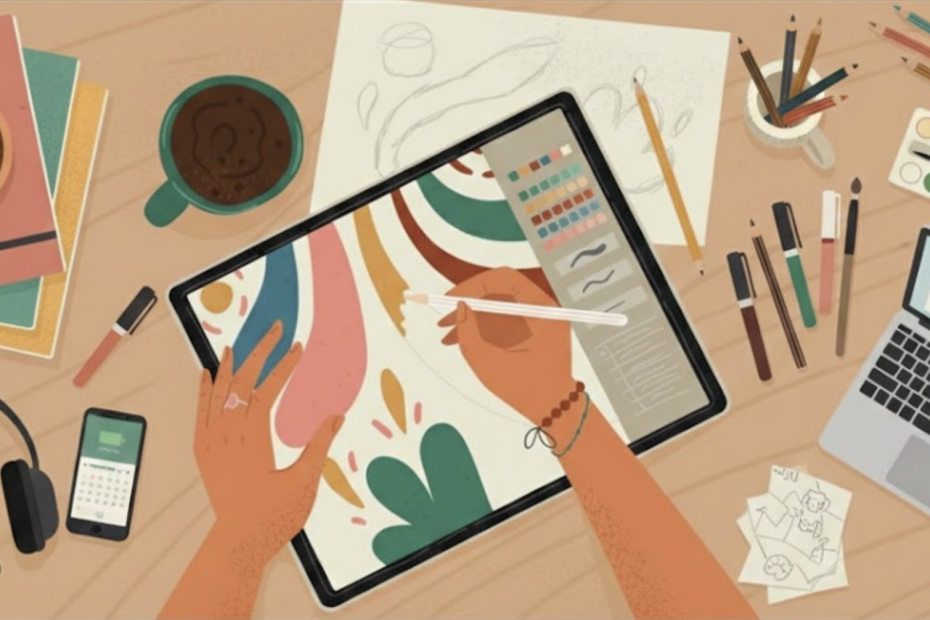
Starting your digital art journey shouldn’t cost hundreds of dollars in software subscriptions. The truth is, some of the best free digital art apps available today offer professional-level features that rival paid programs like Procreate and Adobe Photoshop. Whether you’re sketching on an iPad, drawing on an Android tablet, or creating illustrations on your desktop, there are powerful free tools that can help you learn, experiment, and create gallery-worthy artwork.
This comprehensive guide breaks down the best free digital art apps for every device and skill level. You’ll discover what features actually matter, how to choose the right app for your creative goals, and which free tools professional artists trust. By the end, you’ll know exactly which app to download first and how to start creating today, without spending a single dollar.

Why the Best Free Digital Art Apps Are Perfect for Beginners
Many beginners assume they need expensive software to create “real” digital art. That’s simply not true anymore. The best free digital art apps have evolved dramatically and now include professional features like unlimited layers, pressure sensitivity, advanced brush engines, and high-resolution exports suitable for printing or selling.
Key Benefits of Starting with Free Apps:
- Zero financial risk – Experiment without worrying about wasted money
- Learn what works for you – Test different interfaces and workflows before committing to paid software
- Build consistent practice habits – Remove cost as a barrier to daily creativity
- Create professional artwork – Free doesn’t mean low quality; many pros use these tools
- Explore different art styles – Switch between apps to find what fits your creative vision
Don’t create digital art alone, join other artists sharing their journey!
Our Facebook community is where beginners become creators. Artists share:
- Their latest artwork
- App tips and shortcuts they’ve discovered
- Progress updates that inspire others to keep going
- Join our Facebook community → See what’s possible when you create with others cheering you on.
Free apps also make it easier to turn creative hobbies into income. Many artists who now sell custom designs, stickers, and prints started with completely free tools. You can see examples of how digital artwork becomes real products by browsing our shop.
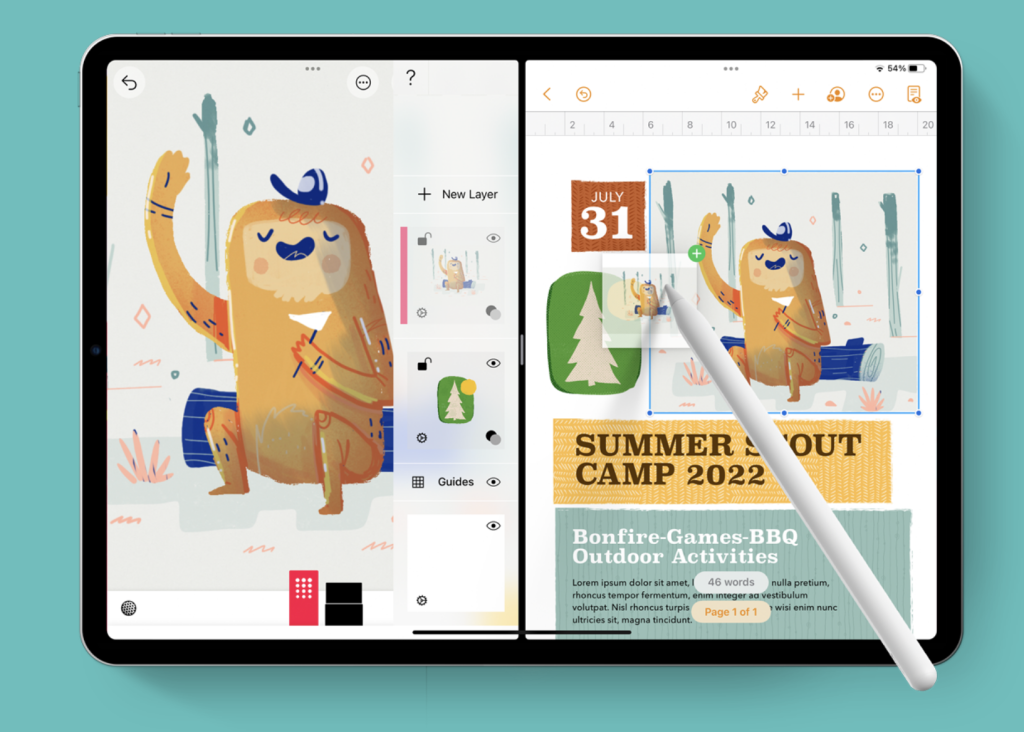
What Makes a Digital Art App Truly “Free”?
Before downloading apps, understand what “free” actually means. Not all free apps offer the same value.
Types of Free Apps:
- Completely Free Forever – Open-source or fully free apps with no hidden costs (Krita, GIMP, FireAlpaca)
- Free with Optional Upgrades – Core features free, advanced tools behind paywall (ibis Paint X, MediBang Paint)
- Free with Ads – Full features available but supported by advertisements (ibis Paint X free tier)
- Free Trials – Limited time access to paid software (not included in this guide)
If you’re brand new to digital drawing, our guide on how to start digital art provides a complete roadmap from choosing equipment to creating your first drawing, perfect if you’ve never created digital art before.
Every app on this list can be used to create complete digital artwork without required payments. Where optional paid features exist, they’re clearly noted so you can make informed decisions.
Essential Features to Look for in Free Digital Art Apps
The best free digital art apps share certain features that make them worth using. Here’s what matters most for beginners:
Layer Support
Layers are non-negotiable. They let you separate sketches, line art, colors, and shading, making editing easier and preventing mistakes from ruining entire drawings. Look for apps offering at least 10-20 layers for basic work.
Brush Quality and Customization
Natural-feeling brushes make digital drawing enjoyable. Pressure sensitivity (how hard you press affects line thickness), opacity control, and customizable settings help your art look intentional rather than digital and flat.
Canvas Size and Resolution
If you plan to print artwork or create products like stickers, canvas size matters. Most best free digital art apps support high-resolution canvases (300 DPI) suitable for professional printing. Learn more about turning designs into physical products in our guide on how to make stickers.
File Export Options
PNG and JPEG are essential. PSD support is a bonus if you plan to move artwork between programs or collaborate with others.
User Interface
Beginner-friendly interfaces help you focus on creating instead of searching through confusing menus. The best apps balance simplicity with powerful features.

Best Free Digital Art Apps: Quick Comparison Chart
| App | Platform | Truly Free? | Best For | Skill Level |
| Krita | Windows, Mac, Linux | Yes | Digital painting & illustration | Beginner to Advanced |
| MediBang Paint | iOS, Android, Desktop | Yes | Comics & manga | Beginner to Intermediate |
| Autodesk Sketchbook | iOS, Android, Desktop | Yes | Sketching & line art | Beginner |
| ibis Paint X | iOS, Android | Yes (ads) | Mobile drawing | Beginner |
| Adobe Fresco | iPad, Windows | Free tier | Digital painting | Beginner to Intermediate |
| FireAlpaca | Windows, Mac | Yes | Anime art & illustration | Beginner |
| GIMP | Windows, Mac, Linux | Yes | Advanced editing & painting | Intermediate to Advanced |
| Infinite Painter | Android | Free tier | Natural media simulation | Beginner to Intermediate |
Best Free Digital Art Apps for iPad
The iPad has become one of the most popular digital art devices thanks to Apple Pencil support and powerful processors. These are the best free digital art apps for iPad users.
1. Adobe Fresco (Free Version)
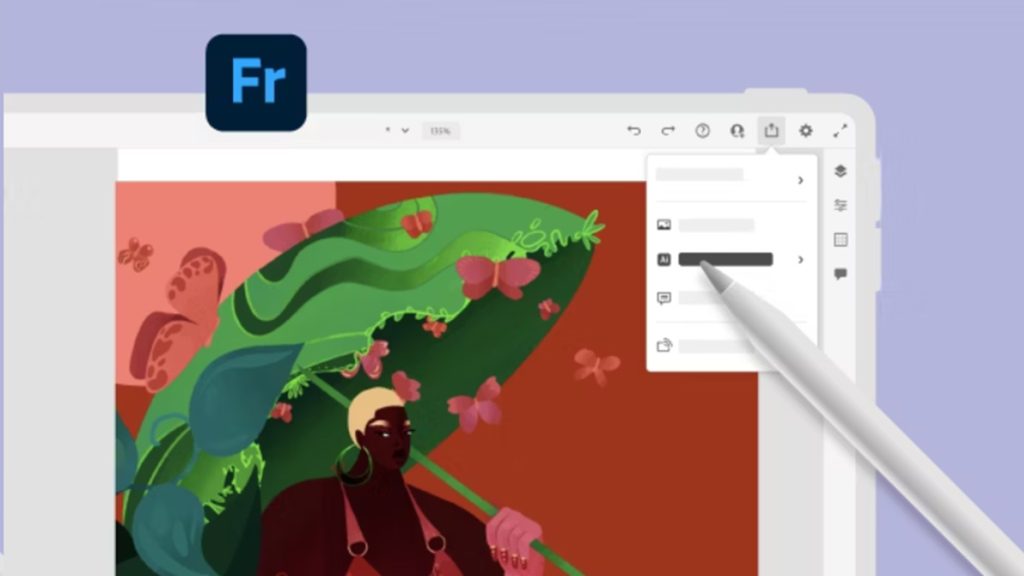
Adobe Fresco offers one of the most impressive free tiers among digital art apps. While some advanced features require subscription, the free version provides everything beginners need. Adobe Fresco excels at natural media simulation, making it perfect if you’re transitioning from traditional art to digital.
Why It’s Great:
- Live brushes that mimic real watercolor and oil paint
- Vector and raster brush options
- Seamless Apple Pencil integration
- Clean, intuitive interface
- Cloud syncing across devices
Best For: Artists who love painting and want realistic brush behavior
Limitations: Advanced brushes and some features locked behind Adobe subscription
2. MediBang Paint

MediBang Paint consistently ranks among the best free digital art apps because it’s completely free with surprisingly robust features.
Key Features:
- Unlimited layers
- Cloud storage and syncing
- Comic panel creation tools
- Customizable brushes and tones
- Cross-platform compatibility
Best For: Comic artists, manga creators, and illustrators who work across devices
Why Beginners Love It: Simple interface, helpful community, and pre-made resources like backgrounds and tones
3. Autodesk Sketchbook
Sketchbook became fully free several years ago and remains a favorite for its clean, distraction-free workspace.
Highlights:
- Professional-quality brushes
- Symmetry tools (perfect for patterns and mandalas)
- Perspective guides
- Minimal interface that stays out of your way
- Large canvas support
Best For: Pure sketching, concept art, and artists who want simplicity
4. Tayasui Sketches
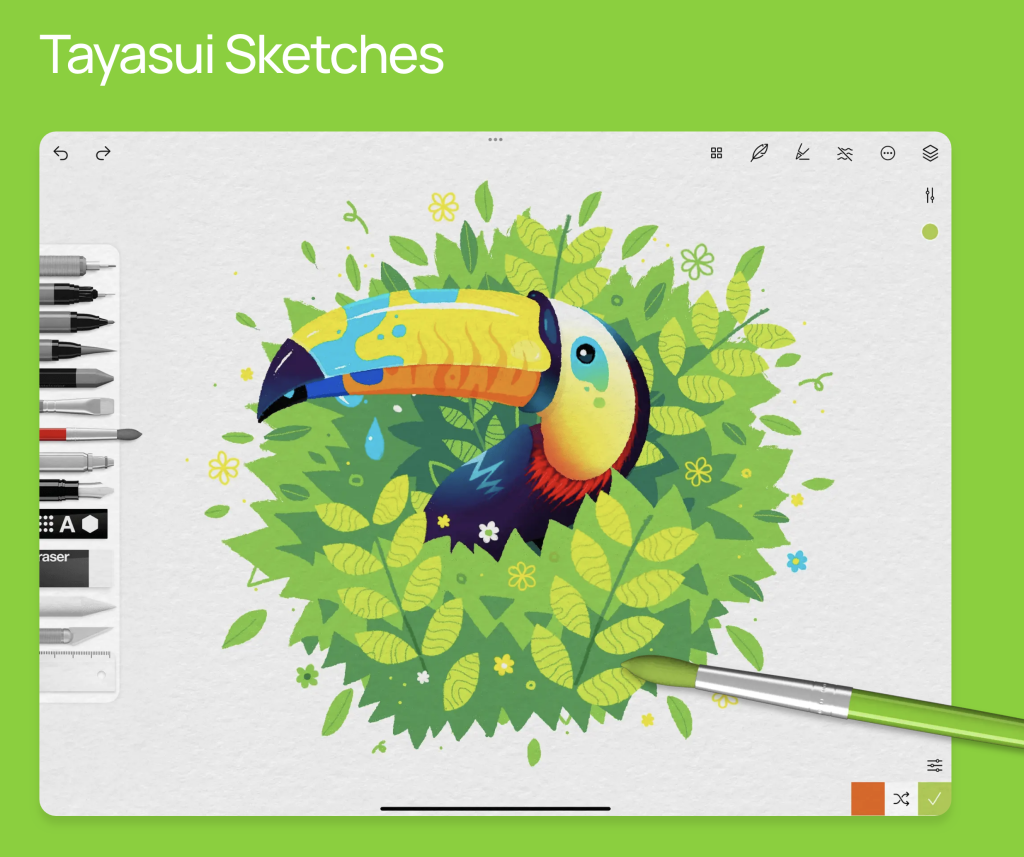
Tayasui Sketches focuses on realistic brush simulation with a beautiful, sketchbook-inspired interface.
What Makes It Special:
- Gorgeous watercolor and marker brushes
- Realistic paper textures
- Simple, elegant design
- Great for traditional artists going digital
Best For: Artists transitioning from physical sketchbooks to digital
Want iPad-specific guidance? Our comprehensive guide to digital art apps for iPad dives deeper into choosing the right iPad model, comparing Apple Pencil alternatives, and iPad-specific tips for getting started with digital drawing.
Best Free Digital Art Apps for Android
Android users have excellent options, especially on tablets with active stylus support like Samsung Galaxy Tab S series.
1. ibis Paint X

ibis Paint X is arguably the most feature-rich free digital art app available on mobile devices.
Impressive Features:
- Over 15,000 brushes
- Extensive layer support with blending modes
- Screen recording for time-lapse videos
- Advanced tools like gradient maps and tone curves
- Active online community
Best For: Mobile artists who want desktop-level features
The Catch: Free version includes ads, but core features remain fully accessible
Many artists use ibis Paint X to create finished artwork they later sell as prints or stickers. If monetizing your art interests you, check out our comprehensive guide on how to sell digital art.
2. Infinite Painter

Infinite Painter offers a generous free version with natural brush engines and professional tools.
Key Strengths:
- 160+ natural brushes in free version
- Perspective guides and symmetry
- Non-destructive editing
- Intuitive interface
- Excellent performance
Best For: Android artists who want polished, professional results
3. HiPaint

HiPaint is a newer app gaining popularity for smooth performance and modern design.
Why Try It:
- Fast, responsive drawing
- Clean, beginner-friendly layout
- Pressure sensitivity support
- Regular updates and improvements
Best For: Beginners who want a contemporary, uncluttered workspace
Best Free Digital Art Apps for Desktop (Windows, Mac & Linux)
Desktop apps often provide the most power for detailed illustrations, large canvases, and print-ready artwork.
1. Krita – The Gold Standard
Krita is widely considered one of the absolute best free digital art apps available on any platform. It’s open-source, completely free, and designed specifically for artists by artists.
Why Krita Dominates:
- Professional brush engine with unlimited customization
- Advanced layer management with masks and groups
- Built-in animation tools
- Stabilization for smooth lines
- Huge canvas sizes for print work
- Active development and community
- Works beautifully with drawing tablets
Best For: Serious digital painters, illustrators, concept artists, and anyone who wants professional results
Learning Curve: Moderate, but worth the investment
Krita pairs perfectly with foundational learning. If you’re building your skills from the ground up, our step-by-step tutorial on how to make digital art covers essential techniques that translate beautifully to Krita’s powerful toolset.
2. GIMP (GNU Image Manipulation Program)

GIMP is often compared to Photoshop, and it’s completely free and open-source.
Powerful Features:
- Advanced photo editing and digital painting
- Extensive plugin ecosystem
- Customizable interface
- Professional color management
- Script automation for repeated tasks
Best For: Artists who need both illustration and photo editing capabilities
Consideration: Steeper learning curve than other options
3. FireAlpaca

FireAlpaca is a lightweight, beginner-friendly app that runs smoothly even on older computers.
Why Beginners Love It:
- Simple, unintimidating interface
- Fast performance
- Free brush packs and patterns
- Onion skinning for animation
- Perfect for anime and manga styles
Best For: Artists with older hardware or those wanting something immediately easy to learn
4. MediBang Paint Pro

MediBang’s desktop version includes everything from mobile versions plus enhanced performance and screen real estate.
Desktop Advantages:
- Larger workspace for detailed art
- Keyboard shortcuts for faster workflow
- Better for long drawing sessions
- Cloud sync with mobile versions
How Free Digital Art Apps Connect to Real Creative Projects
Learning digital art becomes more exciting when you see how it translates to real projects. Once you’ve created artwork you’re proud of, learning how to print digital art properly ensures your designs look professional this guide covers everything you need to turn digital creations into physical products. Here’s how the best free digital art apps enable different creative paths:
Designing Custom Stickers
Many artists use free apps to design stickers they later print or sell through print-on-demand services. The process is straightforward: create high-resolution artwork, export as PNG with transparent background, and either print at home or upload to services.
Our detailed tutorial on how to make stickers walks you through the complete process, from digital design to finished product.
Selling Digital Downloads
Platforms like Etsy, Gumroad, and Creative Market let you sell digital art files directly. Everything from phone wallpapers to printable wall art can be created with free software.
Creating Social Media Content
Instagram, TikTok, and Pinterest thrive on visual content. Free apps let you create eye-catching artwork and graphics to build your following.
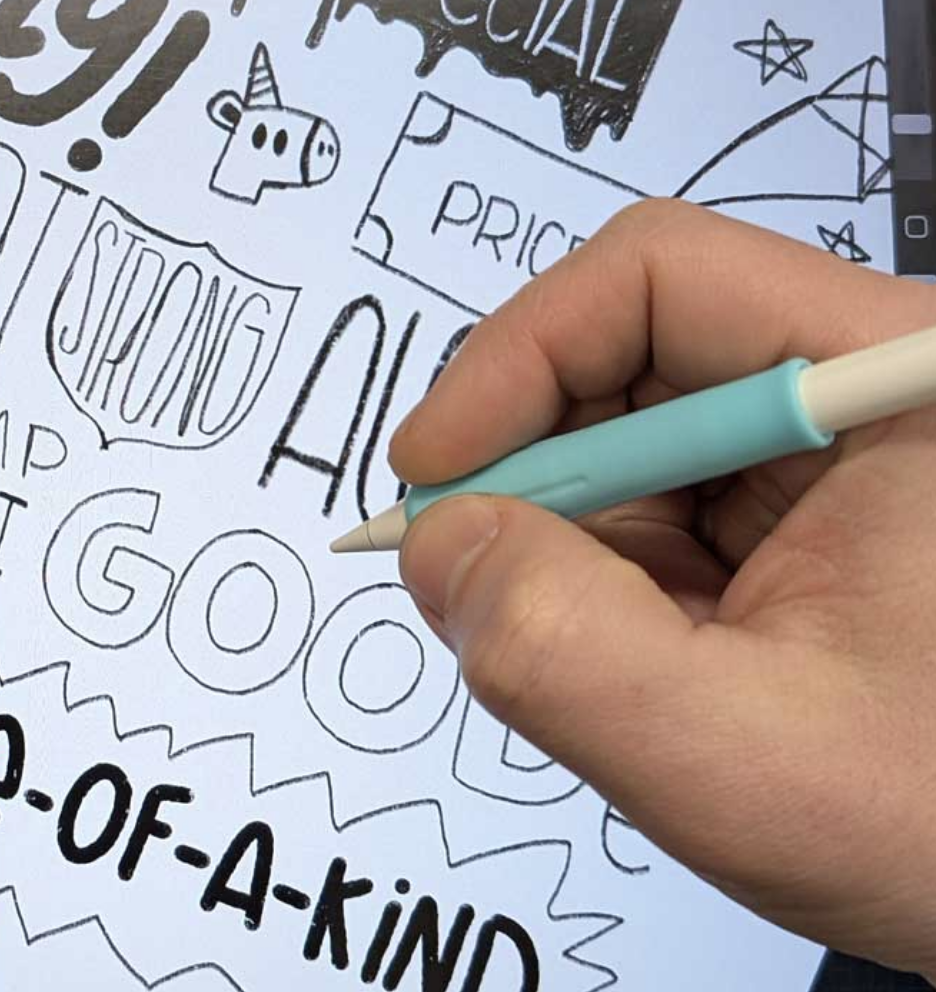
Tips for Choosing the Right App for Your Needs
With so many excellent options, how do you choose from the best free digital art apps?
Consider Your Device First
- iPad users: Adobe Fresco, MediBang Paint, or Sketchbook
- Android users: ibis Paint X, Infinite Painter, or MediBang Paint
- Desktop users: Krita, GIMP, or FireAlpaca
Match App to Your Art Style
- Digital painting: Krita, Adobe Fresco
- Comics/manga: MediBang Paint, FireAlpaca
- Sketching/concepts: Autodesk Sketchbook
- Versatile illustration: ibis Paint X, Krita
Test Multiple Apps Since they’re free, try 2-3 apps and see which interface feels most natural. The “best” app is the one you enjoy using consistently.
Start Simple, Add Complexity Begin with user-friendly apps like Sketchbook or FireAlpaca. As your skills grow, transition to more advanced tools like Krita or GIMP.
How to Get Started Faster with Free Digital Art Apps
You’ve chosen an app, now what? Here’s how to start creating immediately:
1. Start small – Use what you have
No need to drop hundreds on fancy gear. Free apps work great with basic styluses or even your finger. The barrier to entry is your willingness to start, nothing else.
2. Learn basics first – Focus on shapes, shading, and color
Before trying complex illustrations, nail the fundamentals. Understanding how light and shadows work makes everything look better. YouTube has endless beginner-friendly tutorials breaking down these concepts step by step.
3. Practice daily – Even quick doodles count
Seriously, 15 minutes a day beats one marathon session per month. Draw your coffee mug, sketch your pet, doodle random shapes. Consistency is where real improvement happens.
4. Study others – Follow artists you love
Check out artists on Instagram, TikTok, or ArtStation. Watch how they work, notice what they do with colors and lines. You’re not stealing ideas, you’re learning the language of art.
5. Experiment freely – Try different brushes and styles
Play around! One day try watercolor brushes, the next day mess with bold colors. Your unique style will emerge naturally when you’re having fun exploring.
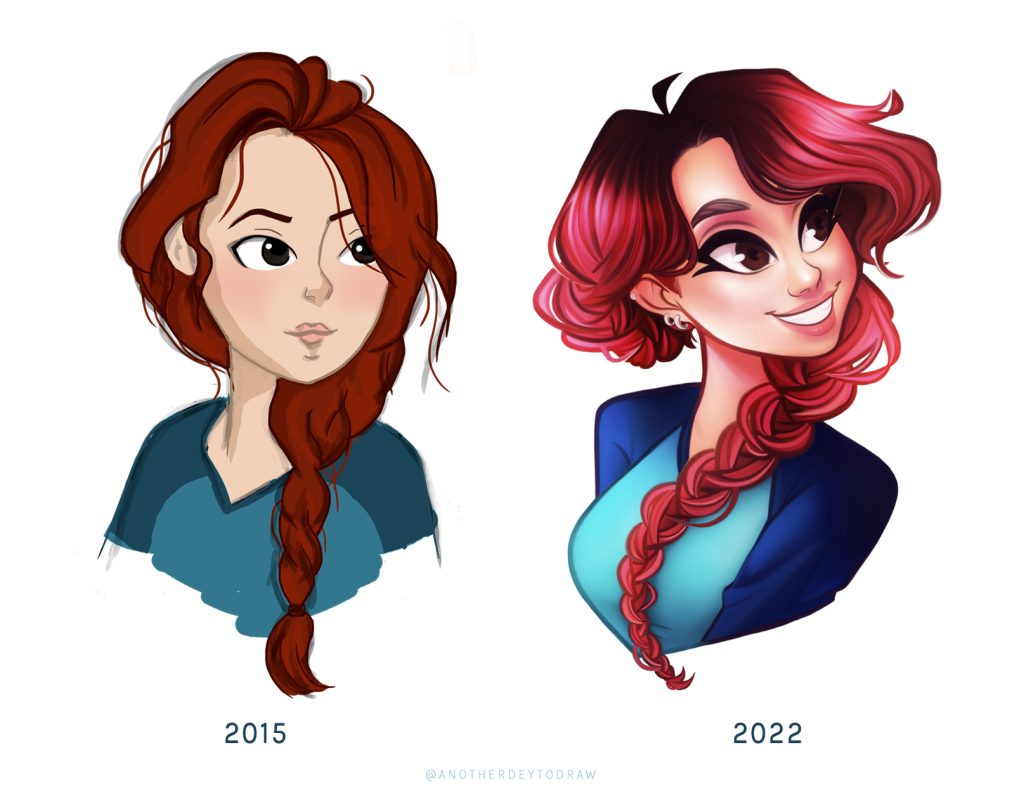
Frequently Asked Questions About Free Digital Art Apps
What is the best free digital art app overall?
For most beginners, Krita (desktop) and ibis Paint X (mobile) offer the best combination of features, ease of use, and professional capabilities. However, the “best” app depends on your device and creative goals.
Can I make professional art with free apps?
Absolutely. Many professional artists use free software exclusively. The best free digital art apps like Krita and GIMP offer features comparable to paid programs. Skill matters far more than software cost.
Do I need a drawing tablet to use digital art apps?
Not necessarily. While drawing tablets improve the experience, many apps work well with touchscreens and styluses. iPad with Apple Pencil or Android tablets with active stylus support provide excellent results. Some artists even create impressive work using just a mouse, though it’s less intuitive.
Can I sell art made with free apps?
Yes. There are no licensing restrictions preventing you from selling artwork created with free software. Many artists build entire businesses using only free tools.
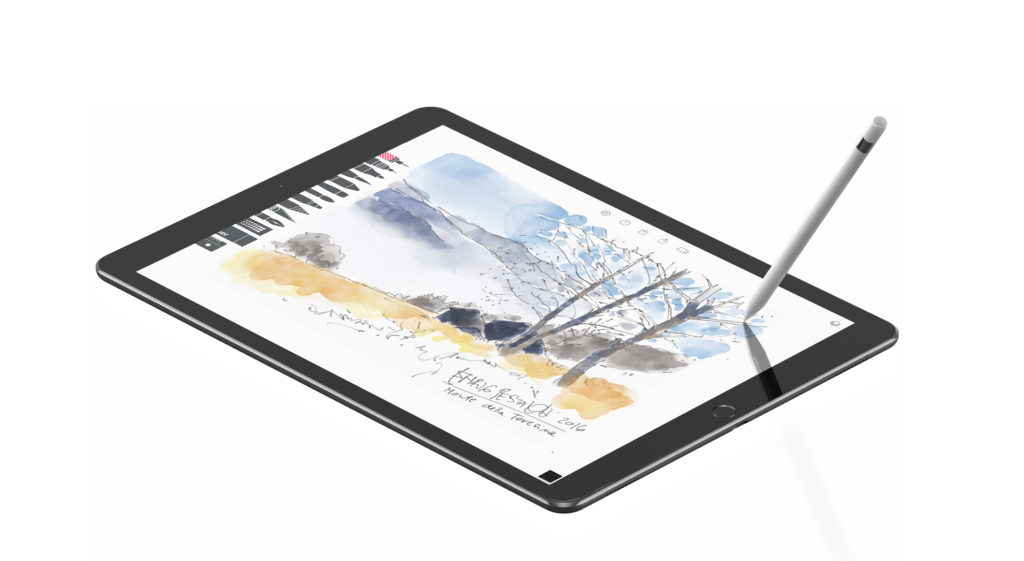
Final Thoughts: Start Creating Today with Free Digital Art Apps
You don’t need expensive software subscriptions to become a digital artist. The best free digital art apps prove that creativity and skill matter infinitely more than how much money you spend on tools.
Whether you choose Krita for desktop power, ibis Paint X for mobile convenience, or Adobe Fresco for natural painting, you now have everything needed to start creating today. Pick one app that matches your device and dive in. Practice consistently, study fundamentals, and don’t be afraid to experiment.
Stay in the loop!
Join our newsletter and participate in weekly artist challenges designed to push your creativity and build your skills faster. Get weekly artist challenges with fun prompts and themes, community voting and featured artist spotlights, and 10% off your first order in our shop
Questions? Contact us, we’re here to support your creative journey.
Your next masterpiece starts with one download and one challenge. Let’s create together.